
Security intelligence work is rarely clean or predictable. The internet does not show the same page, ad, offer, login flow, scam, or phishing kit to every visitor.
A fake login page may appear in one country and disappear in another. A phishing kit may block corporate IP ranges. A scam ad may only load from mobile networks. A brand impersonation page may change based on region. A suspicious forum may throttle repeated checks from the same network.
That is why proxies have become an important part of the security intelligence stack.
They are not a magic cloak. They are not a shortcut for breaking rules. And they should never be used to hide unauthorized activity. But when used correctly, proxies give security teams controlled network access for public, authorized, and legally reviewable intelligence gathering.
A good proxy setup helps analysts check public web sources from different locations, reduce collection bias from corporate IPs, manage request rates, separate research identities, and validate whether threats appear differently across regions or network types.
For security teams, the best proxy is not simply the one with the biggest IP pool. You need clean sourcing, predictable rotation, geo-targeting, stable sessions, strong uptime, audit-friendly logs, and support that understands enterprise data collection.
This guide breaks down the best proxies for security intelligence, where each provider fits, and how to choose the right setup for monitoring, OSINT, fraud research, brand protection, phishing detection, and threat intelligence workflows.
Quick Picks: Best Proxies for Security Intelligence
| Provider | Best For | Proxy Types | Pool Positioning | Rotation Strength | Watch Out For |
|---|---|---|---|---|---|
| Bright Data | Enterprise intelligence teams | Residential, ISP, mobile, datacenter | Huge global pool | Advanced rotation and targeting | Premium pricing |
| Oxylabs | Large-scale public web intelligence | Residential, ISP, mobile, datacenter | Enterprise-scale pool | Strong sticky and rotating sessions | Better for bigger budgets |
| Decodo | Balanced speed and usability | Residential, ISP, mobile, datacenter | Large global pool | Simple session controls | Fewer deep enterprise extras |
| SOAX | Geo-specific monitoring | Residential, mobile, ISP, datacenter | Strong city and country coverage | Flexible sticky and rotating options | Cost rises with volume |
| NetNut | Stable long-running collection | Residential, static residential, mobile, datacenter | Strong residential and mobile footprint | Good for steady sessions | Not the cheapest |
| IPRoyal | Budget-conscious teams | Residential, ISP, mobile, datacenter | Flexible, smaller pool | Easy rotation and TTL controls | Fewer advanced tools |
| Webshare | Testing and high-speed collection | Datacenter, static residential, rotating residential | Broad low-cost coverage | Simple rotation options | Basic support and tooling |
What Makes a Proxy Good for Security Intelligence?
A proxy stack for security intelligence should do four things well.
First, it should help your team see public web data from different network viewpoints. Many threat sources behave differently depending on country, city, device type, ASN, or mobile carrier. If your analysts only check from one office connection, they may miss what real users are seeing.
Second, it should reduce collection bias from corporate IP ranges. Some scam pages, phishing kits, fake storefronts, and suspicious ads block known business networks, cloud ranges, or repeated visits from the same source.
Third, it should support repeatable monitoring without hammering websites. Security teams often run scheduled checks. A proxy setup should help spread traffic responsibly, manage sessions, and reduce noisy failures.
Fourth, it should support governance. Security intelligence must be explainable. Your team should know what was collected, when it was collected, where it was accessed from, and why that collection was allowed.
That is why most serious teams use a mix of proxy types.
Residential proxies are useful when you need a realistic public web viewpoint across regions. ISP proxies are better when you need stable sessions with cleaner reputation signals. Mobile proxies help when the content changes by carrier, app flow, or mobile network. Datacenter proxies are still useful for fast, lower-cost collection from sources that do not require residential context.
The best buying question is not “Which proxy type is best?” A better question is “What intelligence question are we trying to answer?”
For example, if your team needs to check whether a scam landing page appears to mobile users in Germany, mobile proxies may be worth the cost. If you are collecting public page status at scale, datacenter proxies may be enough. If you are validating a regional phishing page, residential or ISP proxies may produce cleaner results.
1. Bright Data: Best Overall for Enterprise Security Intelligence
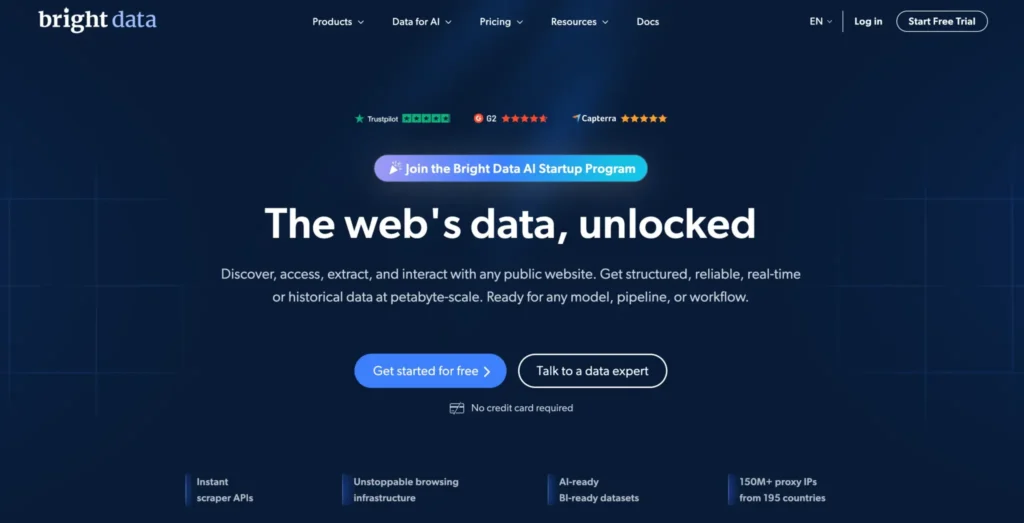
Bright Data is one of the strongest options for enterprise security teams that need scale, control, and compliance support.
Its proxy stack covers residential, ISP, mobile, and datacenter networks. It also offers strong targeting options by country, city, carrier, and ASN. For security intelligence, that flexibility matters because the same suspicious page can behave differently across regions, devices, and networks.
Bright Data fits mature teams collecting public intelligence across fake storefronts, phishing pages, impersonation domains, suspicious ad funnels, marketplace abuse, affiliate fraud trails, and regional scam campaigns. It is also useful when teams want structured data tools alongside proxy access instead of building every collection pipeline from scratch.
The biggest advantage is control.
You can tune sessions, rotate IPs, choose locations, and build separate proxy workflows for different intelligence tasks. For example, broad discovery can use rotating residential proxies, while verification and screenshot capture can use sticky sessions or ISP proxies.
That level of control is valuable for security teams because poor proxy behavior can create bad data. If an IP gets blocked, the analyst may think the threat is gone when the real issue is simply poor access. A cleaner proxy setup reduces that kind of noise.
The downside is cost and complexity. Bright Data may be more than a small team needs. The pricing, compliance process, and dashboard can feel heavy if your use case is simple. For enterprise teams, that structure is often part of the appeal.
Best fit: Enterprise security teams, brand protection vendors, fraud intelligence platforms, and OSINT teams with formal workflows.
2. Oxylabs: Best for Large-Scale Public Web Intelligence
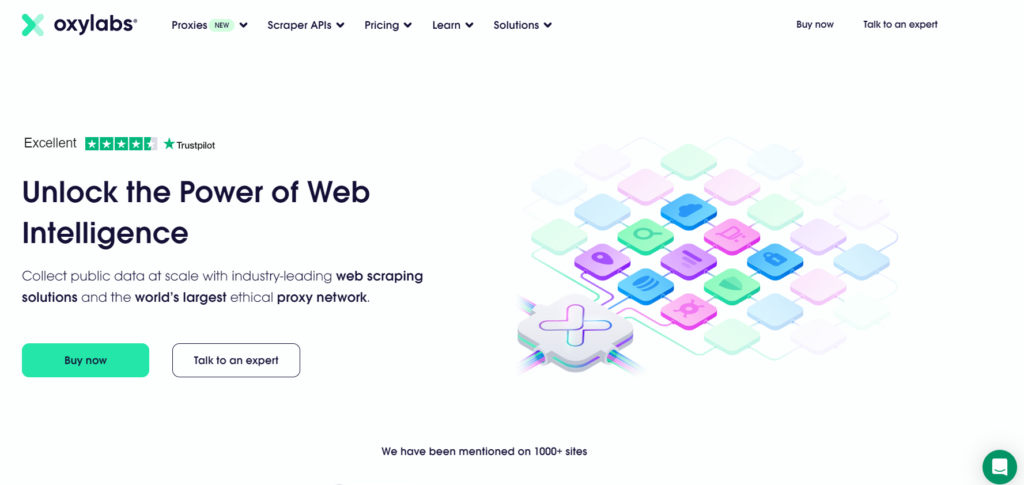
Oxylabs is another premium provider built for serious data operations.
Its residential proxy pool, datacenter infrastructure, ISP proxies, and scraping tools make it a strong choice for teams monitoring public sources at scale. These workflows may include leaked credential chatter, fake reviews, copycat domains, suspicious search results, ad abuse, counterfeit listings, and emerging scam pages.
Oxylabs is especially useful when the collection workload is large and repetitive. Instead of pushing requests through a small number of IPs, teams can distribute traffic more cleanly and reduce collection failures.
Its rotation controls are practical. Rotating sessions work well for broad discovery, search monitoring, and public page checks. Sticky sessions are better when a workflow needs continuity, such as checking a multi-step public page or tracking a regional page variant.
Oxylabs also has the documentation, support, and account structure that larger teams often need. This matters when security operations depend on repeatable collection rather than one-off research.
Where Oxylabs shines is reliability at scale. Where it may feel heavy is cost. If you only need a small amount of monitoring traffic, it may be more platform than you need. But for enterprise threat intelligence or large brand monitoring, it belongs near the top of the shortlist.
Best fit: Enterprise threat intelligence, search intelligence, large-scale brand monitoring, and fraud research teams.
3. Decodo: Best Balanced Proxy Provider for Growing Teams
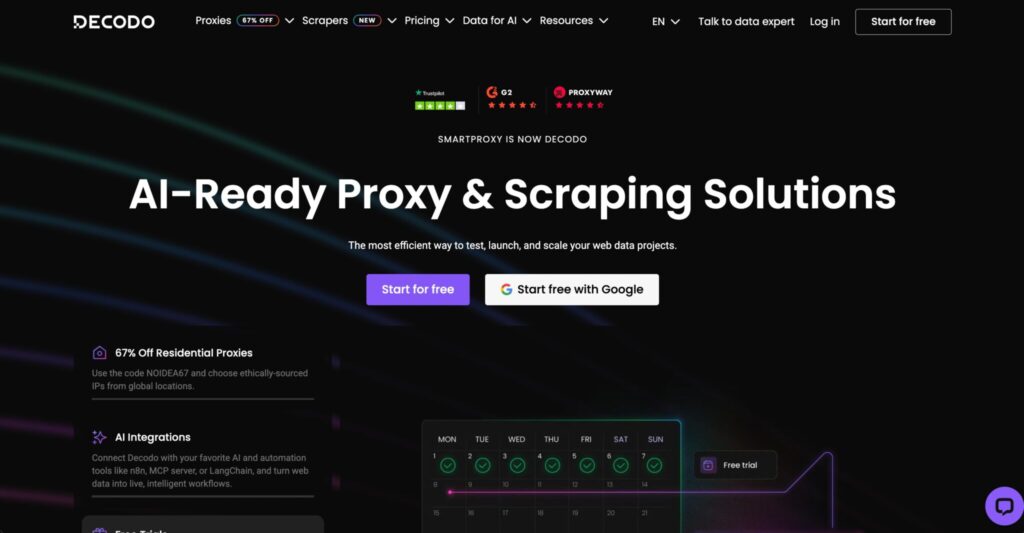
Decodo, formerly Smartproxy, is one of the easiest providers to recommend for teams that want strong coverage without enterprise-level friction.
It offers residential, mobile, ISP, and datacenter proxies, along with tools that help teams get started quickly. For many growing security teams, this balance is more useful than having the most complex enterprise setup.
For security intelligence, Decodo works well when you need a practical mix of performance, price, and usability. A mid-sized team can use it to monitor phishing pages, fake coupon pages, impersonation campaigns, suspicious listings, regional scam pages, and public web sources without spending weeks building infrastructure.
The dashboard is approachable. The proxy controls are clear. That matters because many security teams do not have unlimited scraping engineers. Analysts need tools they can actually use without turning every workflow into a development project.
Decodo’s rotating and sticky session options are useful for common monitoring jobs. Use rotating residential proxies for discovery. Use sticky sessions when a page requires continuity. Use ISP proxies when you need a more stable identity.
Decodo may not match Bright Data or Oxylabs for deep enterprise controls, but it is easier to deploy and often more budget-friendly. For many teams, that is the better trade-off.
Pro Tip: Use Decodo for discovery pipelines first. When a source becomes high-value and high-volume, then decide whether to move that workload to a deeper enterprise setup.
Best fit: Mid-market security teams, managed security providers, affiliate fraud monitoring, brand abuse monitoring, and OSINT analysts.
4. SOAX: Best for Geo-Targeted Security Monitoring
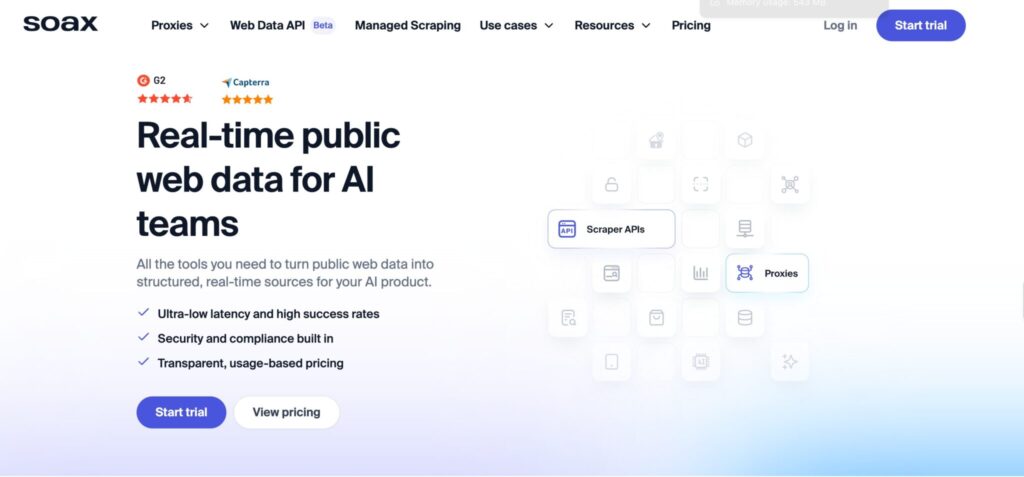
SOAX stands out when location-specific visibility matters.
Security intelligence is often regional. A phishing page may only target users in one country. A fake ad may appear only in a specific city. A scam offer may change based on language, ISP, or mobile carrier. A brand impersonation campaign may be visible in one market but hidden in another.
SOAX is useful for these cases because it offers granular targeting across residential, mobile, ISP, and datacenter proxies. Its targeting options make it a good fit for investigations where analysts need to confirm how a source appears from different regions.
The provider supports rotating and sticky sessions, which gives teams flexibility. Rotating residential proxies are useful for broad discovery. Sticky sessions help when a page needs continuity. Mobile proxies are useful when target behavior changes by mobile network or carrier.
SOAX is also useful for mobile threat research. Some scams are built specifically for mobile users, SMS traffic, app-like flows, and carrier-based targeting. In those cases, mobile proxies can reveal behavior that desktop or datacenter traffic may miss.
The main downside is cost. Geo-targeted and mobile proxy traffic can become expensive if you use it for every task. SOAX is best used where location precision matters, not as the default route for every low-value check.
Best fit: Geo-sensitive monitoring, mobile threat research, localized brand abuse checks, and regional fraud intelligence.
5. NetNut: Best for Stable Long-Running Collection
NetNut is a strong option when stability matters more than finding the lowest cost per gigabyte.
Its residential, static residential, mobile, and datacenter products make it useful for long-running monitoring tasks where teams want fewer session failures and more predictable access.
Security intelligence pipelines often run on schedules. A team may check suspicious domains every few hours, monitor public marketplaces daily, review regional search results every morning, or scan public pages for brand misuse every week.
NetNut fits that rhythm because it is built around reliable proxy access and business-focused support. Its stable sessions are useful when a monitoring workflow needs the same identity for a longer period instead of constant IP changes.
This can be valuable for recurring validation, public page review, marketplace monitoring, and evidence capture. A stable proxy setup reduces timeouts, failed loads, and repeated retries.
The trade-off is pricing. NetNut may not be ideal for hobby projects or very small campaigns. But for production-grade collection, reliability can justify the spend because failed collection also has a cost.
Best fit: Scheduled intelligence collection, enterprise OSINT operations, marketplace abuse tracking, and steady monitoring pipelines.
6. IPRoyal: Best Budget-Friendly Option for Lean Security Teams
IPRoyal gives smaller teams access to residential, ISP, mobile, and datacenter proxies without the heavy buying process of larger enterprise vendors.
Its dashboard is simple, and its pricing model is friendly for teams testing proxy-backed security intelligence for the first time. This makes it a practical starting point for lean teams, solo analysts, startups, and smaller agencies.
For security intelligence, IPRoyal works well for lighter monitoring tasks. These may include checking suspicious landing pages, reviewing public search results from different regions, validating ad placement, monitoring low-volume brand abuse, and checking public scam pages.
It also offers enough rotation control for basic discovery and session-based checks. Rotating proxies can help with broader discovery, while sticky sessions can support validation tasks that need continuity.
IPRoyal is not the most advanced provider in this list, but that is not always a problem. Many teams do not need complex enterprise tooling on day one. They need a dependable place to start, test their workflows, and understand their real proxy requirements.
If the workload grows into millions of requests or highly sensitive investigations, a larger provider may be needed later. But for early-stage security intelligence, IPRoyal is a sensible option.
Best fit: Startups, solo analysts, small security teams, and low-to-mid volume monitoring.
7. Webshare: Best for Affordable Testing and Datacenter Workloads
Webshare is popular because it keeps proxy buying simple and affordable.
It offers datacenter, static residential, and rotating residential proxies. This makes it useful for teams that want to test collection logic before moving sensitive workflows to premium proxy pools.
For security intelligence, Webshare is best used in controlled workloads. These include uptime checks, public page collection, test environments, low-risk monitoring, and sources that do not require advanced residential coverage.
Its datacenter proxies can be fast and cost-efficient. Static residential proxies can help when you need a more stable network identity without paying for a premium enterprise setup.
The limitation is tooling depth. Webshare does not offer the same enterprise features, managed support, advanced scraping ecosystem, or compliance controls as providers like Bright Data or Oxylabs.
That does not make it a bad option. It just means you should use it for the right jobs. Webshare can be a cost-effective layer for basic checks while premium providers handle tougher sources and sensitive validation.
Best fit: Budget testing, prototype pipelines, datacenter-friendly sources, and small intelligence projects.
How to Choose Proxies for Security Intelligence
Choosing proxies for security intelligence starts with the intelligence job, not the proxy type.
A phishing monitoring workflow is different from a fake ad investigation. A regional search monitoring project is different from marketplace abuse tracking. Mobile fraud research is different from public page enrichment.
Before choosing a provider, define what you need to see, where you need to see it from, how often you need to collect it, and how sensitive the source is.
1. Match Proxy Type to the Intelligence Job
Use residential proxies when you need a realistic public web viewpoint across regions. They are useful for phishing checks, brand abuse monitoring, scam page review, public leak tracking, and geo-sensitive web pages.
Use mobile proxies when the source changes based on mobile networks, carriers, or app-style flows. They are more expensive, so they should be reserved for cases where mobile context actually matters.
Use ISP proxies when you need stable, trusted-looking sessions. These are useful for validation, repeated checks, and workflows that should not constantly change IPs.
Use datacenter proxies when you need speed, lower cost, and the target source is not sensitive to cloud or datacenter IP ranges. They work well for public monitoring, enrichment, uptime checks, and test pipelines.
Do not use one proxy type for everything. That usually wastes budget and reduces accuracy.
2. Judge IP Pools by Quality, Not Just Size
A huge pool sounds impressive, but pool quality matters more than pool size.
Look for ethically sourced IPs, ASN diversity, city-level targeting, clean reputation, low failure rates, and enough subnet spread. For security intelligence, a smaller clean pool can beat a larger noisy pool.
Bad IP quality can create false negatives. A source may block your request, return limited content, or show different behavior because the proxy has a poor reputation. The analyst may think nothing is there when the real issue is failed access.
Ask providers about consent-based sourcing, abuse controls, blocked use cases, acceptable-use policies, and compliance documentation. If the answers are vague, be careful.
3. Understand Rotation Protocols
Rotation can help or hurt depending on how it is used.
Per-request rotation gives every request a fresh IP. This is useful for broad discovery, search monitoring, and checking many public pages.
Sticky sessions keep the same IP for a set period. This helps when a workflow needs continuity, such as validating a suspicious page, taking screenshots, or moving through a multi-step public flow.
Static ISP or static residential proxies keep a stable IP for longer tasks. These are useful for recurring monitoring where identity consistency matters.
A strong setup often uses all three. Discovery runs on rotation. Verification uses sticky sessions. Recurring monitoring uses ISP or static residential proxies.
Avoid aggressive rotation for multi-step workflows. Too many IP changes can break session logic and create unreliable data.
4. Check Protocol Support
Most teams need HTTP and HTTPS proxy support because most public web monitoring runs through browsers, crawlers, or standard web requests.
SOCKS5 is useful for more flexible traffic routing and certain research tools. Some workflows may need broader protocol compatibility, but the use case should stay within approved and lawful boundaries.
Before buying a large proxy plan, test the provider with your actual tools. Check browser automation compatibility, authentication methods, geo-targeting settings, sticky session behavior, and error rates.
A proxy provider can look strong on paper but still be painful if it does not fit your workflow.
5. Build Governance Into the Stack
Security intelligence should be defensible.
Your team should keep internal logs, define approved sources, respect legal limits, rate-limit requests, avoid unnecessary personal data collection, and review site terms when required.
A proxy does not make a risky collection practice safe. It only changes the network path. The underlying work still needs legal scope, clear policies, and responsible handling.
Good governance also helps analysts. When workflows are organized by source, region, proxy pool, and purpose, it becomes easier to explain findings and repeat investigations later.
FAQs: Best Proxies for Security Intelligence
1. What are the best proxies for security intelligence?
Bright Data and Oxylabs are strong choices for enterprise teams. Decodo and SOAX are good for growing teams that need usability and geo-targeting. NetNut is useful for stable monitoring. IPRoyal and Webshare are better for lean budgets and testing.
2. Are residential proxies better than datacenter proxies?
Residential proxies are better for geo-sensitive and consumer-view monitoring. Datacenter proxies are faster and cheaper for sources that allow high-volume public collection. Most security teams need both.
3. Should security teams use mobile proxies?
Use mobile proxies when the content changes on mobile networks, carrier IPs, or app-like flows. They are usually more expensive, so they should be reserved for cases where mobile context matters.
4. What is the difference between rotating and sticky proxies?
Rotating proxies change IPs frequently, often per request. Sticky proxies keep the same IP for a set period. Rotating proxies are better for discovery. Sticky proxies are better for workflows that need session continuity.
5. Are free proxies safe for threat research?
No. Free proxies are risky, unstable, and poorly controlled. For security intelligence, they can contaminate results, leak traffic, expose research activity, or create security issues.
6. How many proxies do I need?
Start with the workload. Count your target regions, request volume, session length, refresh frequency, and tool requirements. A daily regional monitoring job may need far less capacity than a real-time fraud intelligence system.
7. What is the best proxy setup for phishing monitoring?
Use residential proxies for regional checks, ISP proxies for stable verification, and datacenter proxies for high-speed enrichment on sources that tolerate them. Keep clear rules for allowed collection, screenshots, and evidence handling.
Final Buying Verdict
If you want the safest enterprise shortlist, start with Bright Data and Oxylabs. Both are strong options for serious security intelligence teams that need scale, control, and reliable infrastructure.
If you want strong performance without heavy enterprise overhead, Decodo and SOAX are easier to recommend. Decodo is better for balanced usability and value. SOAX is better when geo-targeting and regional visibility are priorities.
If your team values stability for scheduled monitoring, NetNut is worth testing. If budget matters, IPRoyal and Webshare are practical starting points.
The best security intelligence proxy stack is usually a mix, not a single vendor. Use premium residential or mobile proxies only where they improve visibility. Use ISP proxies where session trust matters. Use datacenter proxies where speed and cost matter.
The strongest teams are not the ones buying the biggest proxy pool. They are the ones matching the right network identity to the right intelligence question.