YouTube looks simple to scrape until you try to collect data at scale.
A few video pages may load without any issue. Channel pages may return clean metadata. Search results may look easy to collect during a small test. Then the real problems start showing up.
Requests become inconsistent. Video results change by country. Some pages fail without a clear reason. Bandwidth usage rises faster than expected. IPs get stale. A scraper that worked perfectly on Monday suddenly starts breaking by Wednesday.
That is why choosing proxies for YouTube scraping is not only about buying the largest IP pool. You need clean traffic, smart rotation, stable sessions, useful geo-targeting, and a setup that keeps failed requests under control.
Before choosing any proxy provider, one thing should be clear: use the official YouTube Data API when it covers your use case. The API is usually the cleanest option for basic video metadata, channel data, and structured access.
Proxies are more useful when you need to collect public web data that the API does not expose properly, check regional visibility, monitor YouTube search results, analyze channel pages, or run research workflows with proper limits.
Do not use proxies for spam, fake views, fake engagement, comment manipulation, account abuse, or anything that breaks YouTube’s rules. A good proxy setup should support legitimate research, not platform abuse.
Quick Comparison Table: Best Proxies for YouTube Scraping
| Provider | Best For | Proxy Types | Pool or Coverage | Rotation Control | Main Strength |
|---|---|---|---|---|---|
| Bright Data | Enterprise YouTube data collection | Residential, ISP, datacenter, mobile, scraper API | 400M+ monthly residential IPs, 195 countries | Rotating and sticky sessions | Premium infrastructure and YouTube scraper tools |
| Oxylabs | Large-scale research teams | Residential, ISP, datacenter, mobile, Web Unblocker | 175M+ residential IPs, 195 countries | Flexible rotation and sticky sessions | Strong enterprise controls and high success infrastructure |
| Decodo | Mid-market teams and agencies | Residential, ISP, datacenter, mobile, scraping API | 115M+ ethically sourced IPs | Rotating sessions and scraping API controls | Good balance of scale, usability, and price |
| SOAX | Geo-targeted YouTube checks | Residential, mobile, ISP, datacenter | 155M+ IPs, 195+ locations | Auto rotation and sticky sessions | Strong targeting and clean dashboard |
| NetNut | High-volume sticky sessions | Residential, mobile, datacenter, ISP | 85M+ residential IPs | Sticky IP sessions and private pools | Stable sessions for larger pipelines |
| Webshare | Budget-friendly proxy testing | Residential and datacenter | 50+ countries, rotating endpoints | 5 minutes to monthly rotation | Affordable, simple, developer friendly |
| IPRoyal | Small teams and budget users | Residential, datacenter, ISP, mobile | 32M+ rotating residential IPs | Custom rotation and sticky sessions | Low entry cost and easy setup |
| DataImpulse | Low-cost pay as you go scraping | Residential, mobile, datacenter | 90M+ residential IPs, 195 countries | Rotating and sticky sessions | Low-cost traffic and non-expiring bandwidth |
| Rayobyte | Hybrid scraping stacks | Residential, ISP, datacenter, mobile | Multiple proxy families | Rotating ISP and datacenter options | Good for mixed YouTube and web data projects |
What Makes a Proxy Good for YouTube Scraping?
A good YouTube scraping proxy should do more than change your IP address.
First, it should keep request quality high. If too many requests fail, cheap proxies become expensive very quickly. Failed requests waste bandwidth, slow down your scraper, and make your data less reliable.
Second, it should give you proper session control. YouTube pages do not all behave the same way. A single video page is different from a channel page. A search result page is different from a comment thread. A playlist is different from a creator’s video tab. One rotation style will not fit every workflow.
Third, it should support the locations you care about. YouTube results can vary by country, language, device context, and viewer signals. If you are tracking video rankings in the US, India, UK, Canada, or Australia, your proxy provider needs strong coverage in those markets.
Fourth, it should make costs easy to measure. YouTube pages can be heavy, especially if your scraper loads JavaScript, thumbnails, comments, recommendations, or video assets. The real metric is not price per GB. It is cost per successful result.
A slightly more expensive provider can be cheaper in production if it gives fewer retries, better session stability, and cleaner responses.
1. Bright Data: Best Overall for Enterprise YouTube Scraping
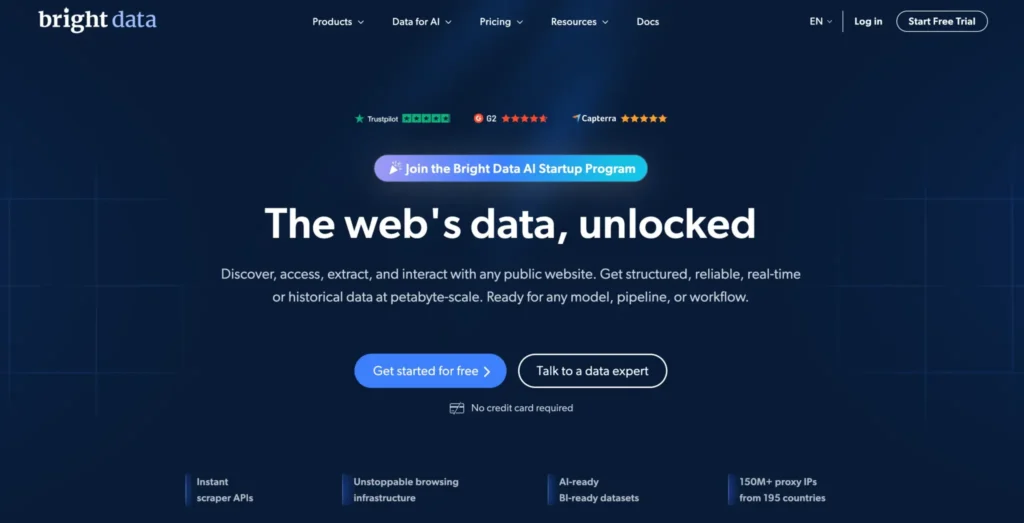
Bright Data is the strongest option for serious YouTube data collection teams that need scale, control, and managed scraping options.
It offers a large residential proxy network, ISP proxies, mobile proxies, datacenter proxies, advanced geo-targeting, sticky sessions, rotating sessions, and dedicated scraper products. For teams building a proper YouTube data pipeline, this gives more flexibility than basic proxy access.
Bright Data is useful for collecting public video metadata, channel details, comments, likes, views, search results, trending results, and regional discovery data. You can use its residential proxies directly, or reduce engineering time with its YouTube Scraper API and managed data tools.
The biggest advantage is infrastructure depth. If your project needs regional YouTube tracking, creator intelligence, brand monitoring, or large-scale content research, Bright Data gives you the controls needed to build a more stable workflow.
You can target by country, city, ZIP code, carrier, and ASN-level signals. That matters when your work depends on how YouTube search results appear in different markets.
Bright Data also supports common protocols and integrates well with Python, Scrapy, Playwright, Puppeteer, Selenium, and browser-based scraping stacks.
The downside is cost and onboarding. Bright Data is not built for quick, throwaway scraping. Expect verification, compliance checks, and a steeper learning curve. For serious businesses, that structure is often worth it. For hobby projects, it may be too much.
Best for: Enterprise YouTube data collection, creator intelligence, regional video tracking, brand monitoring, and teams that want managed scraping options.
Pro Tip: Use Bright Data’s scraper API for large structured jobs. Keep residential proxies for custom workflows where you need full control over browser behavior.
2. Oxylabs: Best for Large-Scale YouTube Research Workflows
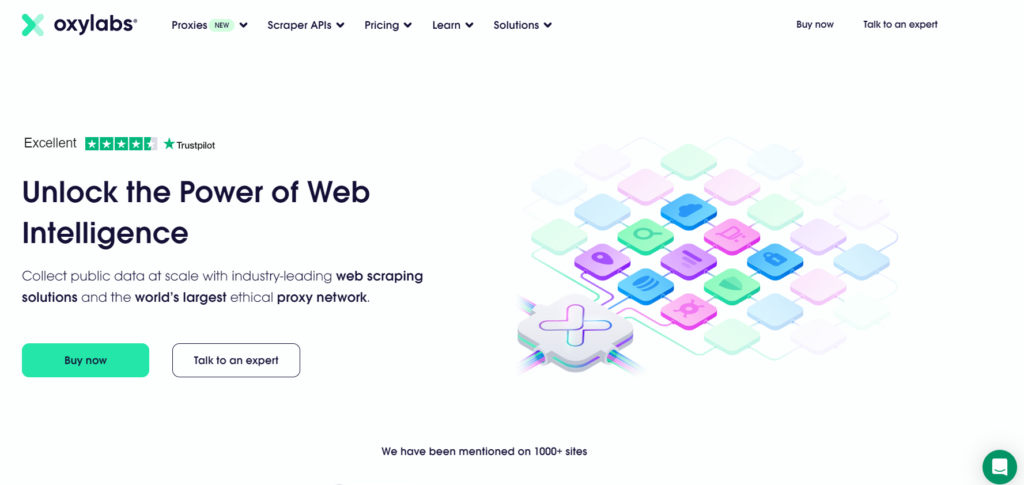
Oxylabs is another premium provider built for reliability, clean scaling, and enterprise data collection.
Its residential pool is large, geo-targeting is strong, and its product stack includes proxies, Web Unblocker, Web Scraper API, and headless browser tools. This makes it a strong choice for teams that need predictable throughput over time.
For YouTube scraping, Oxylabs fits projects such as video discovery datasets, creator monitoring, search result tracking, content research, ad verification, market research, and regional visibility checks.
The real value is not only the size of the IP pool. It is operational stability. When you run YouTube collection jobs over weeks or months, you need consistent success rates. One successful test batch is not enough.
Oxylabs gives teams flexible session controls, strong documentation, and enterprise-grade support. Rotating residential IPs can work well for broad search and listing pages, while sticky sessions are better for paginated channel pages, comment workflows, and browser-rendered flows.
The downside is pricing. Smaller users may find Oxylabs expensive. Some advanced features may also require additional verification, which can slow down setup if you want to start immediately.
Best for: Enterprise scraping teams, data companies, AI research teams, SEO platforms, and content intelligence tools.
Pro Tip: Test Oxylabs with two separate flows: rotating residential IPs for search pages and sticky sessions for channel or comment collection.
3. Decodo: Best Balance of Price, Scale, and Ease of Use
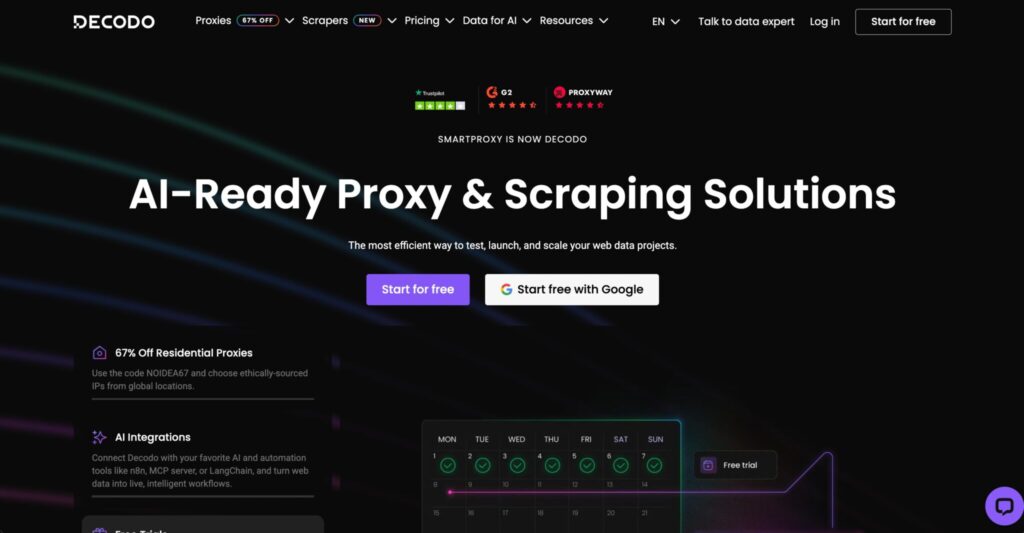
Decodo, formerly Smartproxy, is one of the best choices for agencies, growing teams, and mid-market data projects.
It offers residential, ISP, datacenter, and mobile proxies, along with scraping APIs, browser extensions, and a dashboard that is easier to understand than many enterprise-first platforms.
For YouTube scraping, Decodo works well when you need a practical mix of performance and cost control. It can handle public video metadata collection, channel monitoring, YouTube ranking checks, regional SERP tracking, and content research.
The biggest strength is usability. Teams can get started faster without giving up too much scale. This makes Decodo a good fit for SEO agencies, affiliate research teams, YouTube analytics tools, and businesses that need dependable data without enterprise complexity.
Its rotating proxy setup is friendly for common scraping tools, while sticky sessions help when a workflow needs continuity. Residential proxies are usually the safest starting point for YouTube pages, while datacenter proxies should only be used for lighter requests after testing.
The limitation is that Decodo may not offer the same level of deep customization as Bright Data or Oxylabs. If you need advanced ASN targeting, complex compliance reporting, or fully managed data delivery, compare carefully before choosing.
Best for: SEO agencies, affiliate research teams, YouTube analytics tools, and mid-size data projects.
Pro Tip: Start with residential proxies for YouTube pages. Use datacenter proxies only for lightweight requests where your success rate remains stable.
4. SOAX: Best for Geo-Targeted YouTube Monitoring
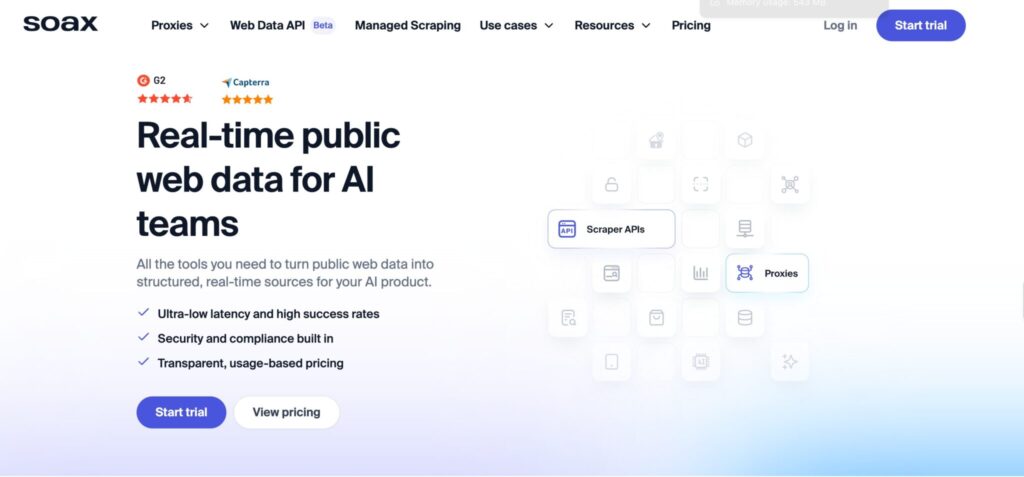
SOAX is a strong option when location accuracy is a major part of your YouTube research.
YouTube results can change by country, region, language, and viewer context. Search results, recommendations, trending videos, and video availability may not look the same across markets.
If you are tracking how a video ranks in the US, UK, India, Canada, Australia, or other markets, SOAX gives you useful control for location-sensitive checks.
SOAX offers residential, mobile, ISP, and datacenter proxies with automatic rotation, sticky sessions, multiple protocols, and broad targeting options. The dashboard is clean, and the session controls are flexible enough for most scraping setups.
For YouTube scraping, SOAX works well for regional search result tracking, brand monitoring, influencer research, content discovery, and market-specific video checks.
Sticky sessions are helpful when you need continuity across several page requests. Rotation works better for larger stateless jobs where each request is independent.
The main drawback is that very large enterprise operations may still prefer Bright Data or Oxylabs for deeper controls and managed tooling. But for many professional teams, SOAX offers a strong mix of targeting, usability, and proxy quality.
Best for: Geo-targeted YouTube SERP checks, regional content research, influencer monitoring, and agencies serving multiple countries.
Pro Tip: Do not rotate too aggressively when scraping multi-step YouTube flows. A sticky session for a few minutes often works better than changing IPs on every request.
5. NetNut: Best for Sticky Sessions and Private Pool Control
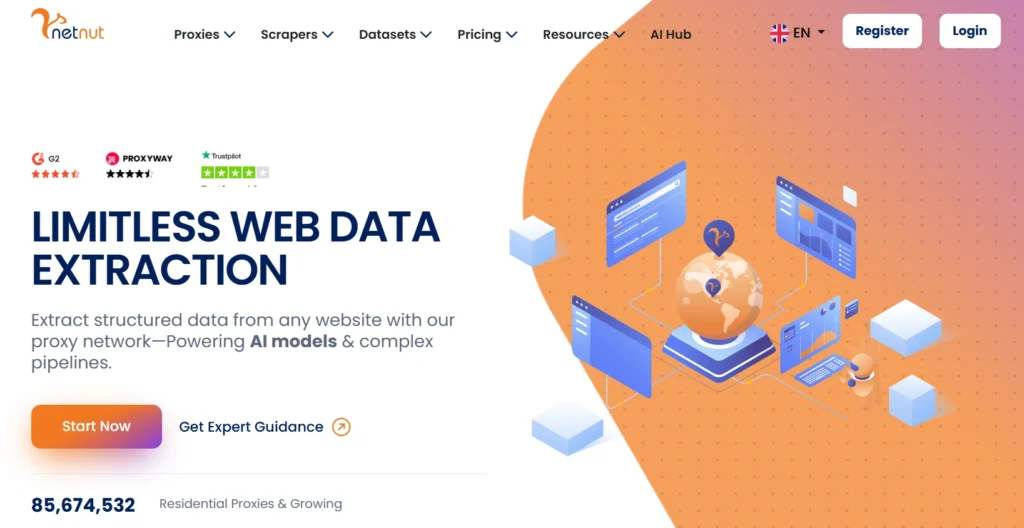
NetNut is a solid choice for teams that care about session stability.
It offers rotating residential proxies, sticky IP sessions, dedicated private pool options, and near real-time usage stats through API access. This makes it useful for production pipelines where random proxy behavior can create messy results.
For YouTube scraping, NetNut works well when your workflow needs continuity. This includes checking channel pages, crawling video lists, collecting comments across pages, or monitoring creator data over time.
A dedicated private pool can also help reduce overlap and improve consistency when you are running repeated jobs against similar targets.
NetNut is not always the cheapest provider, but it can make sense for teams building dashboards, internal tools, or recurring YouTube monitoring systems. Stability matters when the data will be used for reporting or decision-making.
The drawback is that beginners may need more time to tune sessions and pool settings. NetNut rewards users who understand their scraping flow and know how to measure success by endpoint type.
Best for: Sticky-session workflows, recurring YouTube monitoring, high-volume pipelines, and teams needing stable IP behavior.
Pro Tip: Use NetNut’s stats API to measure success separately for video pages, search pages, channel pages, and comment requests.
6. Webshare: Best Affordable Option for Developers
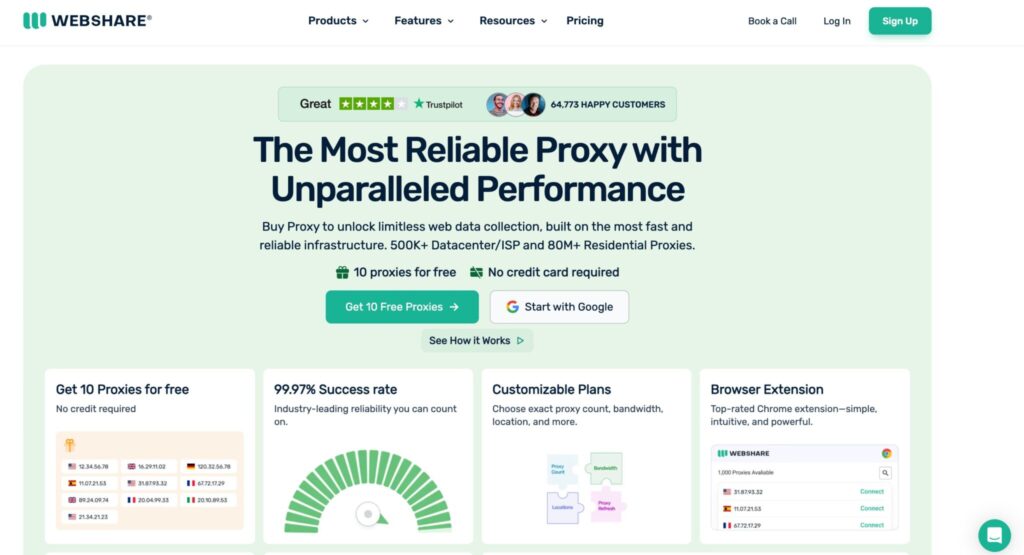
Webshare is a good option for developers who want a simple and affordable proxy setup without enterprise overhead.
It supports HTTP and SOCKS5, rotating proxy endpoints, datacenter proxies, residential proxies, and customizable rotation windows. You can rotate every few minutes or keep IPs longer depending on the plan and setup.
For YouTube scraping, Webshare makes sense for small monitoring projects, basic geo checks, lower-volume data collection, and proof-of-concept testing.
It is especially useful when you want to validate your scraper before moving to a premium residential proxy network. The platform is easy to understand, pricing is accessible, and API access helps with automation.
Webshare is not the most advanced provider in this list. It may not handle difficult YouTube scraping at the same success rate as premium networks. For heavily rendered pages or high-volume projects, you may hit limits sooner.
Still, for developers and small teams, Webshare is a practical starting point.
Best for: Developers, small teams, MVPs, budget-conscious projects, and early YouTube scraping tests.
Pro Tip: Use Webshare for proof-of-concept testing, then compare the same workflow against one premium provider before scaling.
7. IPRoyal: Best Budget Residential Proxy for Small Teams
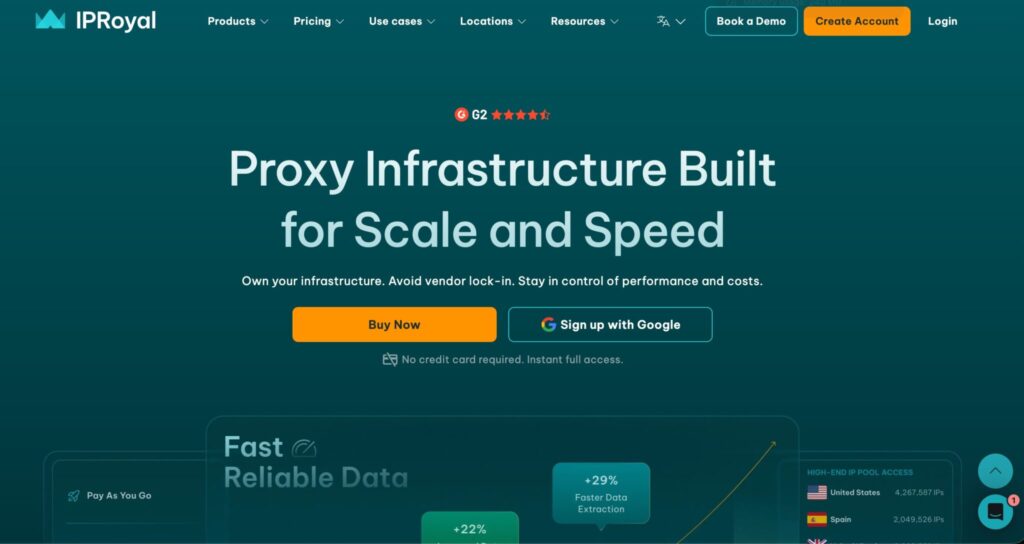
IPRoyal is popular with small teams because it offers residential proxies, sticky sessions, location targeting, and a simple buying experience.
Its rotating residential proxy product is useful for YouTube scraping workflows that need residential IPs without enterprise pricing.
For YouTube data collection, IPRoyal is best for moderate workloads. You can use it for checking video pages, collecting public metadata, testing regional availability, and running small-scale research jobs.
It supports country, state, and city targeting, which can help with local visibility checks. This is useful if you want to see how YouTube search results or video availability vary by region.
The platform is not as polished as the largest enterprise providers, and performance can vary depending on location and workload. Still, the value is strong if you test carefully and keep scraping rates reasonable.
IPRoyal is a good fit when your project needs residential traffic but does not yet justify a larger proxy budget.
Best for: Small agencies, freelancers, early-stage tools, and lower-budget research projects.
Pro Tip: Buy a small amount of traffic first and test your real YouTube workflow. Generic speed tests do not tell you enough.
8. DataImpulse: Best Low-Cost Pay As You Go Choice
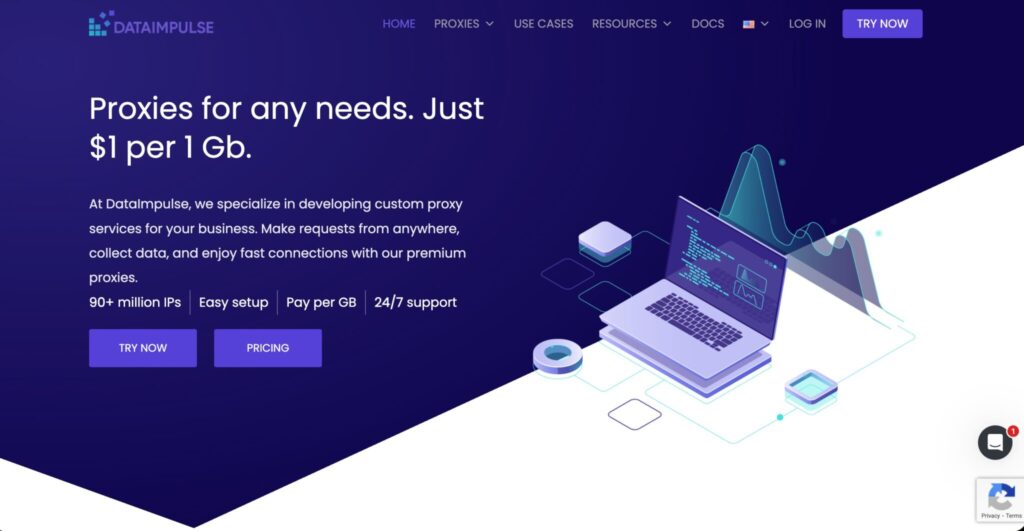
DataImpulse stands out because of its low-cost pay as you go model and non-expiring traffic.
This is useful if your YouTube scraping needs are irregular. You may run heavy jobs for one week, pause for a month, then restart when a campaign, research project, or reporting cycle needs fresh data.
Its residential pool supports HTTP, HTTPS, SOCKS5, rotating sessions, sticky sessions, API access, and broad country coverage. That covers most common YouTube scraping use cases, including public video pages, search monitoring, creator discovery, and regional checks.
The value is strong, but low price should not be your only filter. Always test with real YouTube URLs. Pay attention to success rate, response size, timeout rate, retry volume, and actual cost per successful result.
Because YouTube pages can be heavy, bandwidth can disappear quickly if your scraper loads unnecessary assets. Keep your scraper lean and avoid loading media files, thumbnails, scripts, or assets that are not needed for your data.
Best for: Cost-sensitive teams, irregular scraping jobs, and users who dislike monthly traffic expiration.
Pro Tip: Set strict response-size limits and avoid loading unnecessary media assets. This can reduce proxy costs significantly.
9. Rayobyte: Best for Hybrid Proxy Stacks
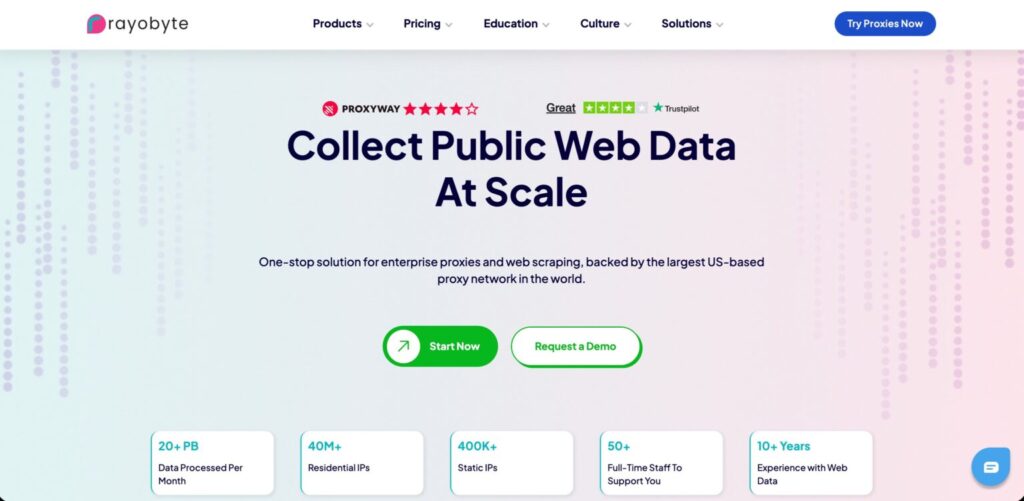
Rayobyte is useful when your YouTube scraping project is part of a wider web data operation.
It offers residential proxies, static ISP proxies, static datacenter proxies, rotating ISP proxies, rotating datacenter proxies, mobile proxies, and scraping tools. This makes it a good fit for teams collecting data from YouTube plus search engines, ecommerce sites, forums, review platforms, and social pages.
For YouTube scraping, Rayobyte’s rotating ISP and residential options are usually more relevant than basic datacenter proxies. ISP proxies can help with stable sessions, while rotating residential proxies are better for distributed public data collection.
The main reason to consider Rayobyte is flexibility. You can build a mixed proxy stack instead of forcing every request through the same expensive residential pool.
For example, you may use cheaper proxy types for lightweight pages and reserve residential or ISP proxies for pages that fail more often.
Rayobyte may not be the first name most teams think of for YouTube only, but it can be useful if YouTube is just one part of a broader scraping workflow.
Best for: Teams scraping multiple site types, hybrid data operations, and developers who want residential, ISP, and datacenter options under one roof.
Pro Tip: Split your scraper by request difficulty. Use cheaper proxy types for light pages and save residential or ISP proxies for harder pages.
How to Choose Proxies for YouTube Scraping
Choosing the right proxy provider starts with the data you need, not the provider name.
A project collecting simple video titles is different from one tracking search rankings across countries. A channel monitoring tool is different from a comment analysis workflow. A browser-rendered scraper has different needs than a lightweight HTTP scraper.
Before buying proxies, define the exact data type, page type, target locations, request volume, and session requirements.
1. Start With the Data You Actually Need
Ask what you are collecting.
Do you need video titles, descriptions, views, comments, channels, playlists, search results, ranking positions, trending videos, or geo-specific visibility checks?
Each data type behaves differently. Static video metadata is easier. Search pages and discovery pages need more care. Comments, recommendations, and dynamic pages may require browser rendering.
If the official YouTube Data API gives you the data reliably, use it first. Use proxies only where public web collection is necessary, allowed, and technically justified.
2. Choose the Right Proxy Type
Residential proxies are usually the safest starting point for YouTube scraping because they look closer to normal user traffic. They are useful for public pages, search results, regional checks, and general YouTube research.
ISP proxies are useful when you want more stability and speed. They work well for repeated monitoring, sticky sessions, and workflows that should not change IPs too often.
Mobile proxies are expensive and should be used only when mobile network signals matter. Most YouTube scraping workflows do not need them unless you are studying mobile-specific behavior.
Datacenter proxies are cheap and fast, but they can fail more often on sensitive flows. Use them only after testing, usually for lightweight tasks where success rate remains acceptable.
For most professional YouTube scraping, start with residential proxies. Add ISP proxies for sticky, repeated monitoring. Use datacenter proxies only where they are proven to work.
3. Understand Rotation Protocols
Rotation is not about changing IPs as often as possible. It is about matching IP behavior to the request type.
Use per-request rotation for stateless collection, such as checking many unrelated video URLs.
Use sticky sessions for channel pages, paginated flows, comment threads, regional search checks, and browser-rendered pages.
For browser automation, keep sessions stable long enough for the page flow to complete. Changing IPs too often can create inconsistent results.
Bad rotation creates bad fingerprints. If every request comes from a new IP but headers, timing, cookies, and browser behavior stay strange, your scraper can still look unnatural.
The better approach is controlled rotation, realistic request pacing, and clean session handling.
4. Check IP Pool Quality, Not Just Size
Large pools sound impressive, but IP quality matters more.
Look for clean sourcing, low abuse history, ASN diversity, regional depth, stable uptime, and strong success rates in your target countries.
A provider with 30 million clean IPs in the regions you need can outperform a provider with 100 million IPs that performs poorly in your target markets.
Before buying, ask these questions:
Does the provider support the countries I need?
Can I use sticky sessions?
Are the IPs ethically sourced?
Can I filter by city, ASN, or carrier?
What happens when an IP fails?
Do I get dashboard-level usage data?
Do not scale until you test your exact YouTube workflow.
5. Measure Cost Per Successful Result
Bandwidth pricing can be misleading.
YouTube pages may load heavy scripts, thumbnails, comments, recommendations, and dynamic content. If your scraper downloads too much, your proxy bill can climb quickly.
Track the metrics that actually matter:
| Metric | Why It Matters |
|---|---|
| Success rate by page type | Shows which pages are causing failures |
| Average bandwidth per result | Helps control cost |
| Retry rate | Reveals wasted traffic |
| Timeout rate | Shows proxy or scraper instability |
| Cost per 1,000 successful records | Best metric for comparing providers |
| Regional success rate | Shows location-specific performance |
| Block or challenge rate | Helps measure long-term reliability |
The best proxy provider is the one that gives clean data at the lowest successful-result cost. That is not always the provider with the cheapest advertised price.
FAQs About YouTube Scraping Proxies
1. What are the best proxies for YouTube scraping?
Bright Data and Oxylabs are strong choices for enterprise teams. Decodo and SOAX are good for agencies and mid-size projects. NetNut is useful for sticky sessions. Webshare, IPRoyal, and DataImpulse are better for smaller budgets or testing.
2. Are residential proxies better for YouTube scraping?
Yes, in most cases. Residential proxies usually provide better success rates for public YouTube pages because they use ISP-assigned IPs. Datacenter proxies are cheaper, but they can fail more often on sensitive workflows.
3. Should I use rotating or sticky proxies for YouTube?
Use both. Rotating proxies work well for large lists of unrelated video URLs. Sticky proxies are better for search result checks, channel crawling, comment pagination, and browser-rendered flows.
4. Can I scrape YouTube without proxies?
Yes, for small tasks or API-supported data. The YouTube Data API should be your first option when it covers your use case. Proxies become useful when you need regional checks, public web pages, or data not exposed cleanly through the API.
5. How many proxies do I need for YouTube scraping?
It depends on request volume, page weight, locations, and rotation style. Start small, measure success rates, then scale. A clean residential pool with smart throttling can outperform a large proxy list with poor session control.
6. Are free proxies safe for YouTube scraping?
Usually no. Free proxies are slow, unstable, heavily shared, and risky for privacy. They also create unreliable data because requests fail often. Use reputable paid proxies for any serious YouTube scraping project.
7. What is the cheapest good proxy for YouTube scraping?
DataImpulse, Webshare, and IPRoyal are good starting points for lower budgets. For serious production work, Decodo, SOAX, Oxylabs, and Bright Data are stronger choices.
8. What is the biggest mistake when scraping YouTube?
The biggest mistake is rotating IPs aggressively while ignoring headers, timing, bandwidth, retries, and session logic. A good scraper behaves consistently, respects limits, and collects only the data it actually needs.
Final Verdict: Which Proxy Should You Pick?
Pick Bright Data if you want premium YouTube scraping infrastructure with managed options and deep targeting controls.
Pick Oxylabs if you need enterprise-grade scale, reliable throughput, and strong support for large research workflows.
Pick Decodo if you want a practical balance of price, ease of use, and performance.
Pick SOAX if geo-targeting is central to your YouTube research.
Pick NetNut if sticky sessions and private pool control matter most.
Pick Webshare, IPRoyal, or DataImpulse if you are testing, working with a smaller budget, or running lower-volume jobs.
Pick Rayobyte if YouTube is part of a wider scraping operation and you want different proxy types under one roof.
The smartest setup is rarely one provider forever. Test two or three providers with the same YouTube workflow. Compare cost per successful record, timeout rate, regional success rate, retry volume, and bandwidth usage.
Keep the provider that gives stable data with the fewest unnecessary retries. That is the proxy setup that will save money in the long run.